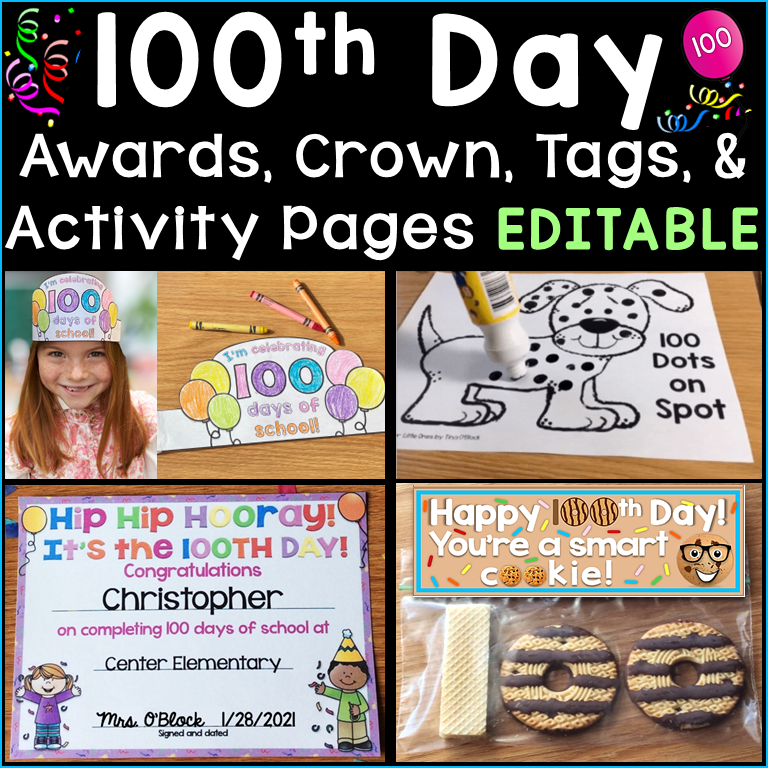
Even though in-person celebrations are back in full swing, there are still plenty of great reasons to send personalized diplomas and end-of-the-year certificates digitally!
Digital recognition is still a perfect solution for students in hybrid or virtual learning programs—for example, if a student is learning from home due to health reasons or is enrolled in a remote academy. It also makes it easier for families to save and share their child’s accomplishment—like emailing a copy to grandparents or printing one for a scrapbook. Plus, going digital is a more eco-friendly and budget-friendly option that saves paper, ink, and time—perfect if you want to recognize your whole class without using the copier.
In this post, I’ll show you just how easy it is to recognize your students with special, customized diplomas or certificates using my editable templates. Whether you’re celebrating virtually, surprising students with a quick digital shout-out, or just want to save on printing—digital certificates are a fun, modern way to make students feel proud of their accomplishments.
You can easily customize each diploma or certificate for your students and school, then send them through Google Classroom, Seesaw, email, text, or any platform that supports JPEG picture files.
Plus, I’ll show you how to customize digital graduation or celebration invitations too—perfect for online events or even just for sharing the news with family members who can’t attend in person!
Check out the video tutorial below to see just how quick and easy it is to customize and send digital diplomas and graduation invitations!
I hope this was helpful in making the end of the year special for your students!
You can also print your diplomas or certificates and drop off or mail them to your students along with a personalized end of the year gift.
Click here to find all of my editable diploma sets.

Pin it for later!